
User Tools
directivenotes
This is an old revision of the document!
<notes> ... </notes>
This pair of directives set off a block of text within a script or taskfiles file.
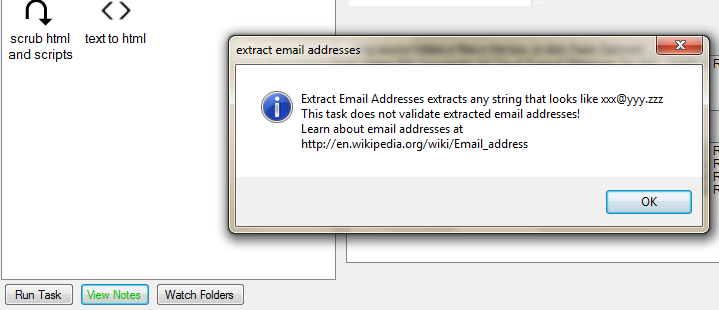
Everything between the directives is displayed when you click the View Notes button.
Example:
<notes>
Extract Email Addresses extracts any string that looks like xxx@yyy.zzz
This task does not validate extracted email addresses!
Learn about email addresses at http://en.wikipedia.org/wiki/Email_address
</notes>
directivenotes.1407520023.txt.gz · Last modified: 2014/08/08 17:47 by Mitch


